Industrial Behavior Tree Studio
Loading behavior tree editor...

A behavior tree is a rooted execution tree. A scheduler ticks the root, and each node returns a small status value to its parent. Control nodes decide which child to tick next. Leaf nodes either test a condition or perform work.
The tree shape carries the control logic. A Sequence advances while its children succeed. A Selector tries the next child when one fails. Decorators alter one child's result or execution policy. This makes recovery logic visible without scattering jumps and error branches through a large state machine.
| Part | Job | Typical examples |
|---|---|---|
| Root | Entry point for each traversal. | Cell mission, production cycle |
| Control node | Chooses, orders, or coordinates children. | Sequence, Selector, Parallel |
| Decorator | Changes one child's timing, repetition, or returned result. | Retry, Timeout, Inverter |
| Leaf | Reads a condition or starts and monitors an action. | Safety check, robot move, vision inspection |
Behavior trees grew out of practical work on hierarchical decision logic. Their early vocabulary was not uniform, and today's frameworks still differ in details such as memory, halting, and parallel execution.
Game teams needed decision logic that designers could inspect and extend. Hierarchical tasks, priority choices, and reusable action fragments supplied much of the working vocabulary later associated with behavior trees.
Bungie's work on Halo 2, followed by Damian Isla's conference presentations, gave the game industry a concrete and widely discussed example. Sequence and priority-selection structures became familiar tools for character AI.
Robotics researchers adopted behavior trees for task execution, recovery, and reactive control. The same tree could coordinate navigation, manipulation, perception, and operator intervention while leaving low-level control to dedicated components.
Michele Colledanchise and Petter Ögren published Behavior Trees in Robotics and AI. The book described execution semantics, modularity, reactivity, and analysis in a common mathematical framework.
Open-source runtimes now provide graphical editors, asynchronous actions, logging, and middleware adapters. Industrial use adds another concern: a node must map cleanly to equipment, plant data, permissions, and operational evidence.
There is no single IEC or ISO behavior-tree standard. In this comparison, "standard BT" means the semantics commonly used in game AI and robotics libraries. CREEM keeps that execution model and defines a stricter contract around industrial function blocks.
| Concern | Common BT practice | CREEM industrial BT |
|---|---|---|
| Traversal | The root is ticked repeatedly. Parents interpret child status. | The same tick and status-propagation model remains in place. |
| Node result | SUCCESS, FAILURE, and RUNNING; some runtimes also expose IDLE. | IDLE, RUN, OK, and FAIL form the shared runtime surface for every FB. |
| Leaf implementation | A code callback, task, condition, or middleware action. | An industrial FB with declared ports, parameters, timeout, retry, and failure behavior. |
| Data exchange | A framework-specific blackboard or process memory. | Ports bind to typed @DT.* data so equipment, MES, twins, and services share context. |
| Long-running work | An asynchronous action returns RUNNING until completion. | The FB returns RUN while a controller, worker, or service performs the work. |
| Interruption | Halting behavior depends on the runtime and node implementation. | halt() is part of the FB lifecycle and must leave equipment in a defined state. |
| Error handling | Usually represented as FAILURE plus framework-specific diagnostics. | exception(), structured status, alarms, and evidence preserve the operational cause. |
| Deployment boundary | Often one process or one robot software stack. | A tree may coordinate PLCs, robots, vision, OT protocols, IT APIs, and human tasks. |
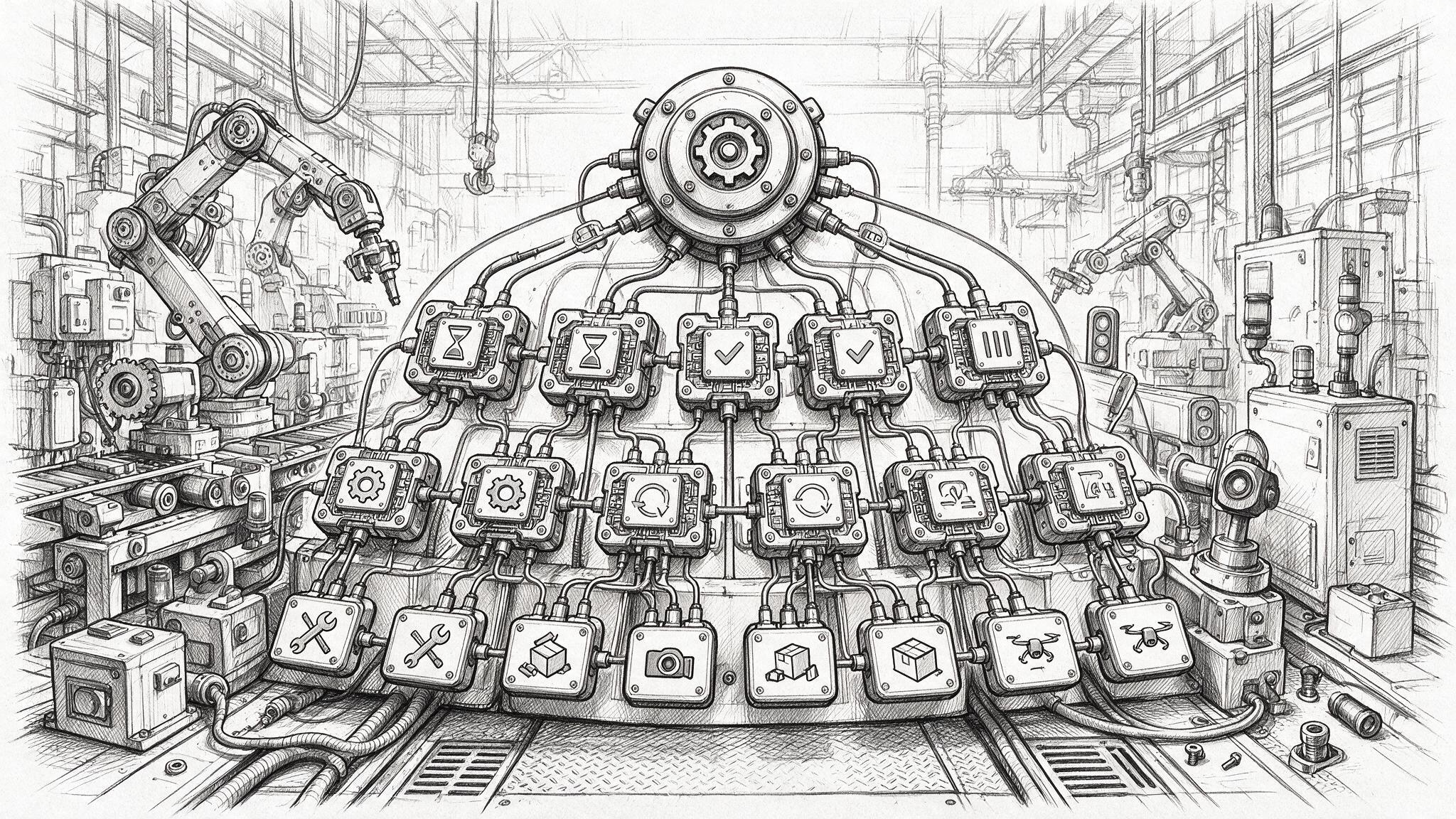
A CREEM tree is still a behavior tree. Sequence, Selector, Parallel, decorators, conditions, actions, subtrees, and status propagation retain their familiar roles. A team can reason about the control flow without learning a separate orchestration grammar.
This continuity matters when a workflow changes. A new inspection step can be inserted as a leaf. A recovery policy can be wrapped around an existing branch. The tree can evolve without rewriting every neighboring state transition.
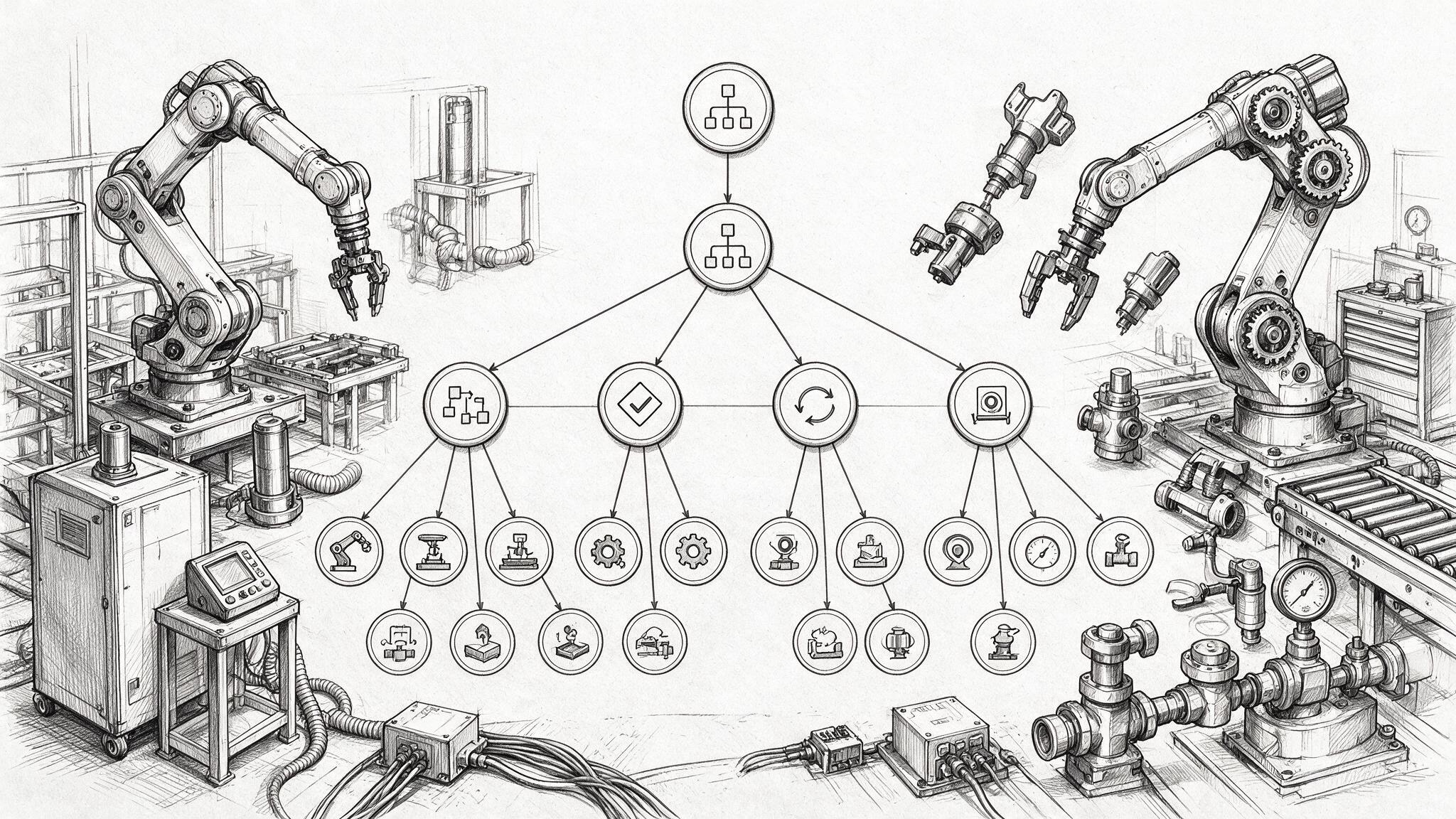
CREEM treats each leaf as an engineering contract rather than an arbitrary callback. The contract identifies the asset or service, defines data bindings, records runtime policy, and exposes a consistent result to the parent node.
The behavior tree remains the orchestration layer. Certified safety logic, PLC scan programs, robot motion control, and servo loops stay in the systems designed to execute them. CREEM calls those systems, watches their state, and decides what the wider workflow should do next.
A typical industrial workflow combines motion, vision, fastening, quality gates, retry logic, recycling branches, and operator escalation. A behavior tree represents this as composable execution logic instead of a monolithic script.
| Workflow segment | BT expression | Industrial purpose |
|---|---|---|
| Startup | Start -> Sequence | Initialize context, load recipe, check safety state. |
| Vision-guided positioning | Sequence + Retry | Capture image, detect target, retry if confidence is low. |
| Fastening execution | Async FB returning RUN | Launch robot/driver command and monitor torque-angle result. |
| Quality gate | Condition + Fallback | Pass to next station, rework, or escalate to operator. |
| Exception handling | Timeout + halt() + exception() | Stop safely, release resources if needed, publish structured error status. |
In CREEM/DBM, every function block node exposes the same runtime status surface. This makes heterogeneous actions comparable even when one node wraps a PLC write, another wraps a robot motion, and another waits for an MES response.
The four-state model is intentionally small: it is easy to map to OPC UA status, PackML states, PLC scan logic, robot command results, and AI service outcomes while still preserving deterministic traversal semantics.
Industrial behavior trees express common orchestration patterns through composite, decorator, and idiom nodes.
The scheduler traverses behavior-tree nodes in sequence and evaluates return states to determine flow direction. Long-running actions should return RUN quickly and report result on subsequent ticks.
The manual defines the tick as the execution unit: each tick performs a small non-blocking step, checks current variables, starts or monitors external work, then returns a status. A blocking node stops the whole tree cycle, so long-running FBs should delegate work to a worker thread, process, controller, or service and return control to the BT scheduler.
| Rule | Reason |
|---|---|
| Single scheduler path | Preserves deterministic traversal and easier replay. |
| Non-blocking tick | Prevents one slow FB from freezing orchestration. |
| RUN for async work | Separates command launch from completion observation. |
Flowcharts are good for documenting a path, but industrial runtime needs more than a diagram: it needs repeated evaluation, pre-emption, recovery, state persistence, and safe interaction with asynchronous equipment.
| Aspect | Flowchart | Behavior Tree |
|---|---|---|
| Runtime loop | Usually implicit | Explicit tick mechanism |
| Recovery | Often ad-hoc branches | Fallback, Retry, Timeout, halt() |
| Modularity | Large diagrams become tangled | Subtrees and CallWorkflow compose cleanly |
| Live monitoring | Requires external state model | Every node exposes IDLE/RUN/OK/FAIL |
For this reason the manual treats Industrial Behavior Tree as the canonical graphical orchestration format. Other graphical languages can still be used, but they are wrapped as FBs or imported into BT subtrees rather than replacing the top-level runtime graph.
These interfaces turn the behavior tree from a visual flow into an industrial runtime contract. A parent node can pre-empt a running child through halt(); an FB can normalize errors through exception(); and all ports can bind to a common DT blackboard for traceable data exchange.
@DT.* entries so MES, historian, HMI, twin, and AI agents share the same execution context.